Client experience01
What a client portal should do for a small business
A practical client portal gives customers one dependable place for requests, files, invoices, and project updates.
Sep 23, 2026
Read the story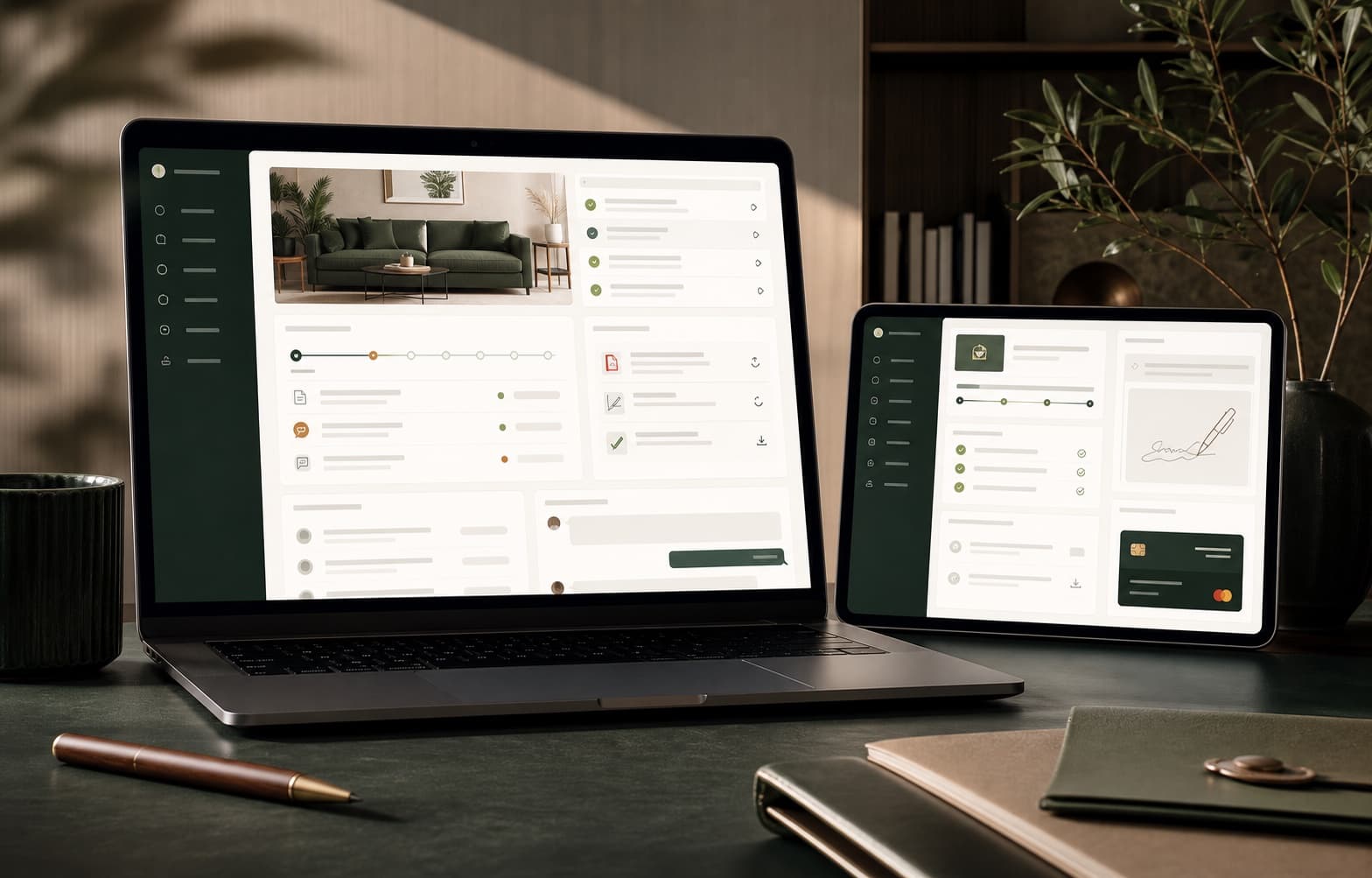 Client experience field note


Blog posts on operations, customer workflows, billing habits, team coordination, and the small systems that help growing teams move with less drag.
A practical client portal gives customers one dependable place for requests, files, invoices, and project updates.
Client experience field noteDefine sales stages around observable customer commitments so forecasts stay useful and follow-ups stay clear.
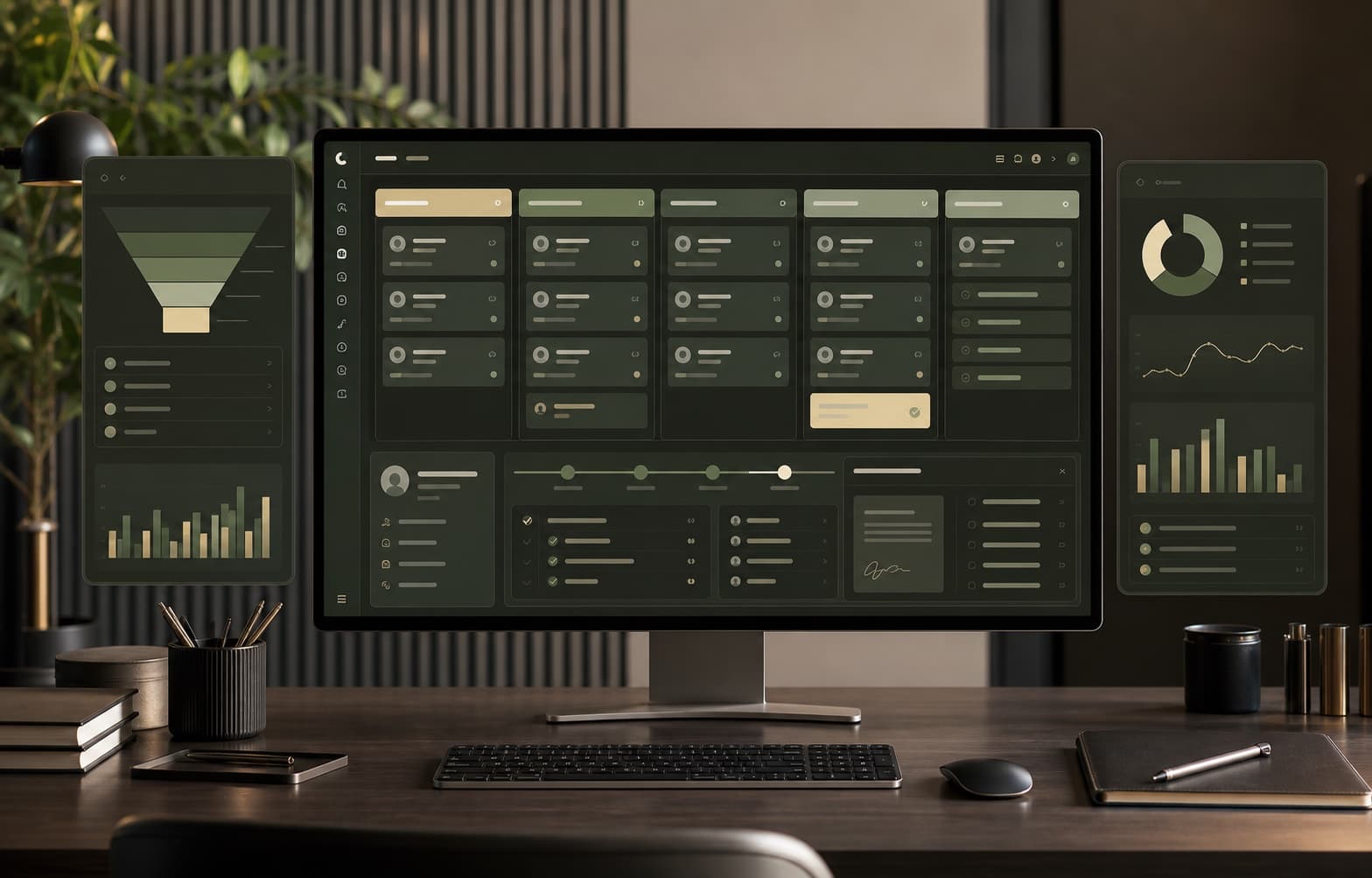 CRM field note
Clear confirmations, useful reminders, and an easy rescheduling path help service businesses protect booked time.
 Scheduling field note
Accurate labor allocation helps contractors understand project margins before the final invoice reveals a problem.
 Construction field note
Route only meaningful billing exceptions to the right reviewer and keep routine invoices moving toward customers.
 Billing field note
Choose a small set of timely, actionable measures instead of filling a dashboard with numbers nobody owns.
 Operations field note
A lighter review rhythm catches missing context before payroll, billing, and the end-of-week scramble.
 Timekeeping field note
Connect approval and invoicing so the billing desk starts with work the team has already reviewed.
 Billing field note
Give schedule changes a clear owner, approval trail, and place in the same system as the work.
 Operations field note
The warning signs appear when time, matters, billing rules, and client expectations stop fitting one tool.
 Legal field note
Have a workflow worth fixing?