

Eclipse Systems
Contact
Connected Eclipse commerce and operations modules

Start Proven. Customize What Matters.

Use an existing Eclipse system, adapt a working foundation, or commission a bespoke build. We price after understanding the workflow, reuse opportunities, integrations, and launch path.

Proven packagesCustom adaptationsBespoke systems

The price follows the project.

Every engagement starts with fit, then moves into a clear scope, timeline, and price.

Fastest path
Scoped quote

Proven Package

Use an existing Eclipse system as-is when the workflow already matches what your team needs.

Priced after fit

We quote the work after discovery so the price matches the actual system, not a generic seat grid.

Best for

Teams that need a practical system quickly and do not need heavy process changes.

  • Existing production-grade module
  • Standard setup and configuration
  • Basic launch support
  • Clear upgrade path if customization is needed
Most common
Scoped quote

Customized Package

Start with working software, then adapt the screens, rules, roles, data, and integrations around your business.

Priced after fit

We quote the work after discovery so the price matches the actual system, not a generic seat grid.

Best for

Operations teams that like the starting point but need the system to match their real workflow.

  • Discovery and workflow mapping
  • Module customization
  • Role and permission setup
  • Integration and reporting options
Fully custom
Scoped quote

Bespoke Build

Commission a new system designed and built for your business when no off-the-shelf tool fits.

Priced after fit

We quote the work after discovery so the price matches the actual system, not a generic seat grid.

Best for

Businesses with specific workflows, internal tools, portals, storefronts, dashboards, or automation needs.

  • Product scoping
  • UX and system design
  • Custom Next.js and TypeScript build
  • Launch planning and support

What shapes the scope

Clear scope before a clean number.

We separate the parts we can reuse from the parts that need to be designed around your team. That keeps pricing tied to the real build, not a guess dressed up as a package.

Discovery output

A recommended path, scoped phases, practical timeline, and the pricing logic behind the work.

Starting point

01
  • Existing package fit
  • Reusable screens and data models
  • Configuration before custom build

Workflow shape

02
  • Custom approvals and rules
  • Roles, permissions, and handoffs
  • Dashboards, exports, and reporting

Connection work

03
  • Data migration from current tools
  • Third-party integrations
  • Payment and billing flows

Launch path

04
  • Timeline and rollout support
  • Security and compliance needs
  • Ongoing maintenance expectations

Packages

Start from one of four templates.

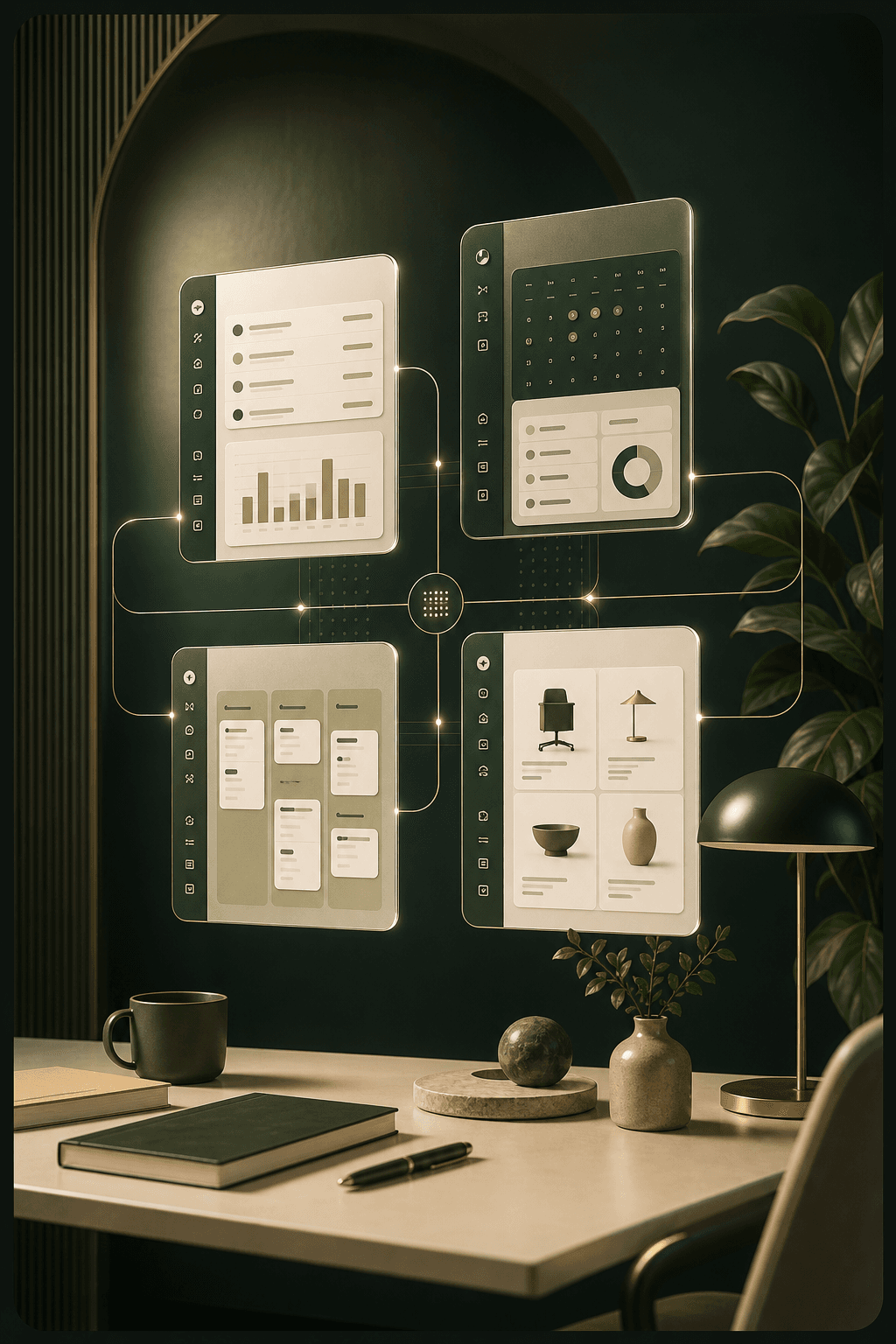
Existing Eclipse work can serve as a live demo, a ready-to-buy package, or the foundation for a custom system. Operations Hub, Client Portal, CRM & Sales Pipeline, and Storefront are the four package starting points.

Schedule a demo
Four modular Eclipse software templates connected in a polished operations workspace

Template foundation

Pick the closest starting point, then shape the screens, rules, and handoffs around the way your team actually works.

Operations Hub

Your company intranet — plus timekeeping, billing, and the controls behind your client portal.

Operations Hub is the internal intranet and back office for running the company day-to-day: employee workflows, knowledge, documents, tickets, training, billing, reporting, and client-facing controls in one place.

Modules can be turned on or off per client, so buyers only run what they need.

Works with Client Portal: Designed to work with Client Portal on the same data: Operations Hub is the internal back office, Client Portal is the external client-facing front office.

  • Timekeeping & scheduling
  • Invoicing & billing
  • HR — PTO/leave, onboarding, employee directory
  • Branded document creation (templates → PDF)
  • Ticketing / helpdesk
  • LMS / training with completion certificates

Client Portal

Give your customers a branded self-serve space.

A branded customer-facing portal where external clients can sign in, track work, exchange documents, pay invoices, message your team, and receive notifications.

Works with Operations Hub: Designed to work with Operations Hub on the same data: Operations Hub is the internal back office, Client Portal is the external client-facing front office.

  • branded client login
  • project/job status tracking
  • shared documents with e-signature
  • invoice viewing & online payment
  • messaging and requests
  • file uploads/downloads

CRM & Sales Pipeline

Turn leads into closed, signed deals.

A standalone sales workspace for managing contacts, companies, deals, proposals, signatures, tasks, reminders, and conversion reporting.

  • contact & company management
  • deal pipeline (kanban)
  • quote & proposal builder (PDF)
  • e-signature to close
  • automatic hand-off to invoicing
  • tasks, reminders & activity log

Storefront

Sell products or services online, under your brand.

A standalone commerce workspace for catalog management, checkout, customer accounts, inventory, receipts, orders, and product administration.

  • product & service catalog
  • cart & checkout with payments
  • order management
  • customer accounts
  • inventory tracking
  • PDF receipts/confirmations

Not sure which path fits?

That is what discovery is for.

Tell us what your team is trying to fix, what tools you use now, and where the process breaks. We will tell you whether a package, customization, or bespoke build is the honest fit.